

- Most Students Buy a PC for Gaming. The Smart Ones Buy One That Can Earn Them Money.
- The Complete Configuration
- Why We Like This Build
- Can You Learn Video Editing?
- Can You Learn Photoshop, Illustrator and Graphic Design?
- What About Programming?
- Can It Run Blender?
- AI Is Becoming Important for Students
- Gaming Performance
- The Biggest Limitation
- Another Upgrade We’d Consider
- Is the AM4 Platform Still Worth Buying?
- Who Should Buy This PC?
- Who Should Skip It?
- If You Had ₹10,000 More…
Most Students Buy a PC for Gaming. The Smart Ones Buy One That Can Earn Them Money.
If you’re spending around ₹65,000 on a desktop, you have two choices.
Build a machine that only plays games.
Or build one that lets you play games and build skills that can eventually pay for itself.
Today’s students aren’t just using computers for college assignments anymore.
They’re learning:
- Video editing
- Graphic design
- Programming
- 3D modelling
- AI tools
- Content creation
- YouTube
- Freelancing
That changes what a “good PC” actually means.
Instead of asking,
“Can this PC run GTA V?”
A better question is,
“Can this PC help me earn money while still playing games?”
That’s exactly where this Ryzen 5 5500 + RTX 3050 build makes sense.


The Complete Configuration
| Product | Title | Price | Rating | Buy |
|---|---|---|---|---|
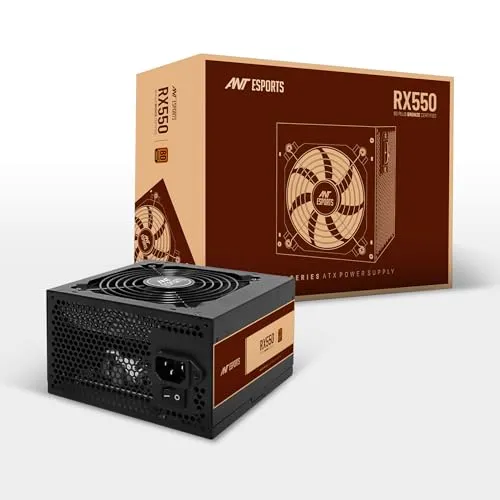 | Ant Esports RX550 550 Watt 80 Plus Bronze Certified Power Supply Best Pick | ₹3439 | ★ 4.2/5 | Check Price |
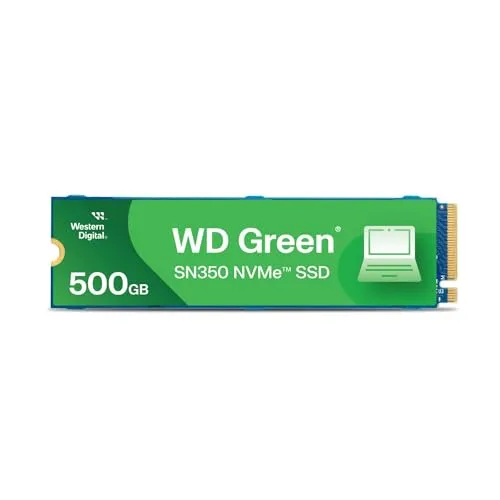 | Western Digital NVMe 500GB, Upto 2400MB/s, 3 Y Warranty | ₹10039 | ★ 3.9/5 | Check Price |
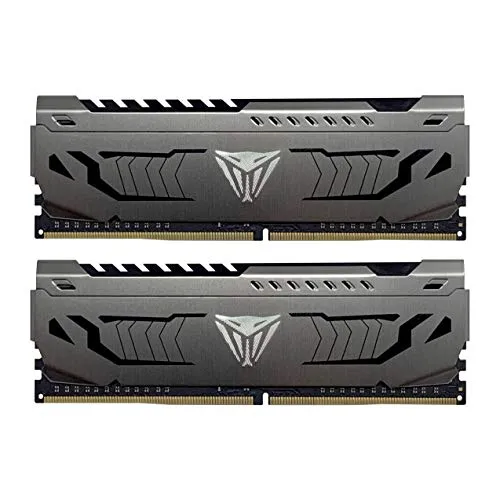 | Patriot Memory Viper Steel DDR4 16GB (2 x 8GB) 3200MHz Memory | ₹11999 | ★ 4.6/5 | Check Price |
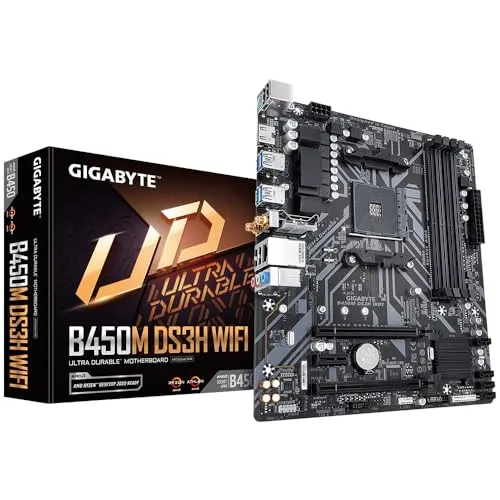 | Gigabyte B450M DS3H WiFi | ₹8749 | ★ 4.2/5 | Check Price |
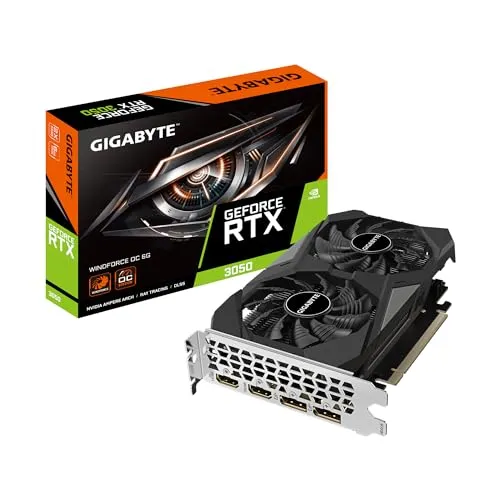 | Gigabyte RTX 3050 WINDFORCE OC 6G 6GB GDDR6 Graphics Card | ₹19820 | ★ 4.4/5 | Check Price |
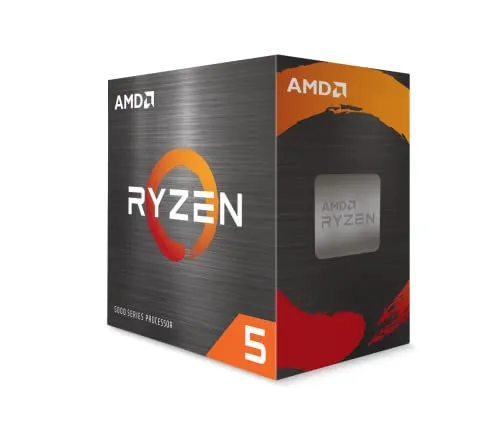 | AMD 5000 Series Ryzen 5 5500 Desktop Processor 6 cores 12 Threads | ₹9389 | ★ 4.4/5 | Check Price |
| Component | Specification |
|---|---|
| Processor | AMD Ryzen 5 5500 |
| Graphics Card | Gigabyte RTX 3050 6GB Windforce OC |
| Motherboard | Gigabyte B450M DS3H WiFi |
| RAM | 16GB DDR4 (2×8GB 3200MHz) |
| Storage | 500GB NVMe SSD |
| Power Supply | DeepCool 550W 80+ Bronze |
| Cabinet | Ant Esports VX31 ARGB |
| Approx Budget | ₹65,000 |
This isn’t a flagship PC.
But it doesn’t try to be.
It focuses on giving students enough performance to study, create and game without overspending.
Why We Like This Build
Many budget PC builds make one major mistake.
They spend almost the entire budget on the graphics card.
That makes gaming look impressive.
But productivity suffers.
This configuration stays balanced.
The Ryzen 5 5500’s six cores and twelve threads are enough for:
- Editing videos
- Running Adobe Photoshop
- Coding
- Blender basics
- College work
- Chrome with dozens of tabs
- Gaming
For students, balance is usually more important than maximum FPS.
Can You Learn Video Editing?
Absolutely.
For beginners and intermediate editors, this PC is capable of handling:
- Adobe Premiere Pro
- DaVinci Resolve
- CapCut Desktop
- Filmora
1080p editing is comfortable.
Simple 4K projects are also manageable if you’re willing to wait slightly longer during exports.
If you’re just starting YouTube or freelancing, this performance is more than enough.
Can You Learn Photoshop, Illustrator and Graphic Design?
Yes.
Graphic design software depends more on CPU performance and RAM than people think.
Applications such as:
- Adobe Photoshop
- Illustrator
- Lightroom
- Canva Desktop
- Figma
run comfortably on this configuration.
For students learning freelancing, logo design or social media content creation, this PC provides enough power without requiring workstation-level hardware.
What About Programming?
This is another area where this build performs well.
Whether you’re learning:
- Python
- Java
- C++
- JavaScript
- React
- Node.js
- PHP
- Flutter
the Ryzen 5 processor handles development tools comfortably.
Multiple IDEs, browsers and local servers can run simultaneously without major issues.
Can It Run Blender?
Yes—but with realistic expectations.
Students learning:
- 3D modelling
- Product design
- Basic animation
will find this PC perfectly usable.
Large professional scenes obviously require more GPU power.
But for learning Blender and building a portfolio, the RTX 3050 is still a capable entry-level graphics card.
AI Is Becoming Important for Students
Many modern creative applications now include AI features.
Background removal.
Object selection.
Image generation.
Auto subtitles.
Noise removal.
RTX graphics cards support many of these features much better than older GPUs.
That makes the RTX 3050 a smarter long-term choice than simply chasing higher gaming numbers from previous-generation graphics cards.
Gaming Performance
Of course, many students also want to relax after classes.
This PC handles modern games at 1080p comfortably.
Popular games like:
- Valorant
- Counter-Strike 2
- Fortnite
- GTA V
- Minecraft
- Apex Legends
- EA FC
- Rocket League
run well with appropriate graphics settings.
Newer AAA games may require medium settings to maintain smoother frame rates.
For most students, that’s a reasonable compromise considering the budget.
The Biggest Limitation
There is one component we’d upgrade first.
The 500GB SSD.
After installing:
- Windows
- Office
- Adobe software
- A few games
storage fills surprisingly quickly.
If your budget allows, upgrading to a 1TB NVMe SSD is one of the best improvements you can make.
Storage upgrades are usually much cheaper than replacing a graphics card later.
Another Upgrade We’d Consider
Sixteen gigabytes of RAM remains the sweet spot today.
However, students planning to work with:
- After Effects
- Blender
- Large Photoshop projects
- Virtual machines
should eventually consider moving to 32GB RAM.
Fortunately, that upgrade is simple because the platform supports additional memory.
Is the AM4 Platform Still Worth Buying?
This is probably the biggest question.
AM4 isn’t the newest platform anymore.
But that’s also why it’s attractive.
Motherboards and processors are significantly more affordable than newer platforms.
For students with fixed budgets, spending less on the platform means spending more where it matters.
Later, you can still upgrade to processors like the Ryzen 7 5700X or Ryzen 7 5800X if your workload grows.
Who Should Buy This PC?
This build is an excellent choice if you’re:
- A college student
- Learning video editing
- Starting YouTube
- Interested in freelancing
- Studying programming
- Learning graphic design
- Beginning Blender
- Playing games after college
Instead of buying separate machines for work and entertainment, this PC comfortably handles both.
Who Should Skip It?
Consider saving a little more if you:
- Edit large 4K commercial videos every day.
- Work professionally in Blender rendering.
- Stream games while recording at high settings.
- Need intensive AI model training.
Those workloads justify investing in stronger processors and graphics cards.
If You Had ₹10,000 More…
With a budget closer to ₹75,000, we’d prioritise:
- RTX 4060
- 1TB NVMe SSD
- Better CPU cooler
Those upgrades noticeably improve both gaming and creative workloads.
A ₹65,000 desktop isn’t just a gaming machine anymore.
For many students, it’s the computer they’ll use to complete college assignments, learn high-income digital skills, build a portfolio and possibly earn their first freelance income.
That’s why this Ryzen 5 5500 + RTX 3050 build stands out.
It doesn’t chase the highest benchmark numbers or the flashiest RGB lighting. Instead, it delivers a balanced combination of gaming performance and creative capability at a price that remains within reach for many students.
If your goal is to play games and invest in skills like video editing, programming, graphic design or content creation, this configuration offers far better long-term value than a gaming-only build.
Sushant Kumar
Founder
As a current B.Com (Hons) student at DU SOL and an active Chartered Accountancy (CA) aspirant, I understand the exact pressure, syllabus confusion, and administrative hurdles students face daily. TheSushant.in was built to provide first-hand, stress-tested guidance. Every DU SOL update, exam strategy, and CA study note shared here comes directly from my personal academic journey, official notifications, and real-time student experience. No generic advice: practical, student-to-student blueprints to help you clear your exams and level up.


