

- 1. Buy a Reliable Laptop Instead of the Most Powerful Laptop
- Recommended Laptops
- What Specifications Should Students Prioritize?
- 2. Don't Underestimate a Good Scientific or Graphing Calculator
- 3. Digital Note-Taking Can Replace Years of Paper
- Recommended Digital Note Taking Pad
- 4. An External SSD Is One of the Cheapest Ways to Protect Years of Work
- Recommended External SSD
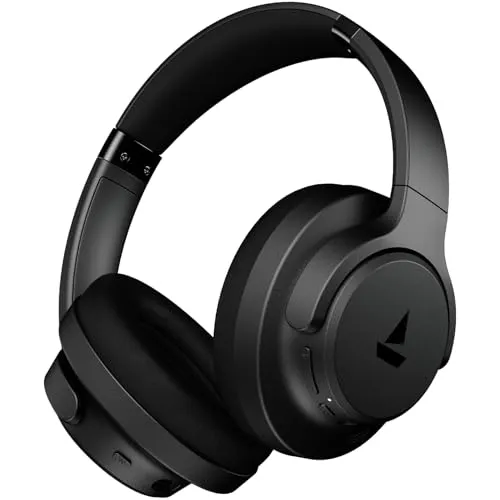
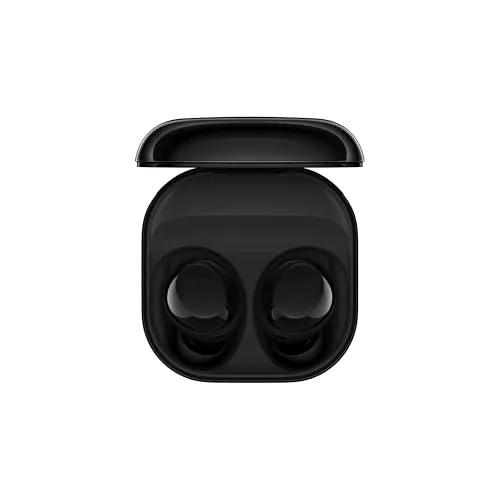
- 5. Noise-Cancelling Earbuds or Headphones Can Improve Focus More Than You Expect
- Recommended HeadPhones and Earphones
- Three Purchases You Probably Don't Need Immediately
- A Premium Gaming Laptop
- A Flagship Tablet
- Expensive Accessories
- The Best Investment Isn't Always the Most Expensive One
- Before Buying Any Gadget, Ask Yourself These Questions
Starting engineering often comes with another challenge besides academics: deciding what technology you actually need.
A quick search online can convince you that you need an expensive gaming laptop, a flagship tablet, premium accessories, multiple monitors, and several other gadgets before classes even begin.
The reality is different.
Most engineering students don’t need the most powerful devices available. What they need is equipment that helps them stay productive every day, survives four years of college, and doesn’t become a distraction.
After looking at how engineering students actually study, complete assignments, write reports, attend labs, and work on projects, these are the purchases that genuinely make a difference.
1. Buy a Reliable Laptop Instead of the Most Powerful Laptop
The laptop is the single most important purchase.
However, many students make the mistake of buying specifications instead of buying a workflow.
A heavy gaming laptop with RGB lighting and a dedicated GPU may look impressive, but it also comes with drawbacks:
- Short battery life
- Heavy charger
- Higher temperatures
- More fan noise
- Extra weight in your backpack every day
For many branches of engineering, a lightweight laptop with a modern processor, 16 GB RAM, and an SSD is enough for daily work.
Mechanical engineering, civil engineering, architecture and some AI or machine learning workloads can benefit from dedicated graphics, but even then many universities provide laboratory computers or remote computing resources for demanding software.
Instead of asking:
“Which laptop has the highest benchmark score?”
Ask:
“Which laptop will I happily carry every single day for four years?”
That question usually leads to a much better purchase.
Recommended Laptops
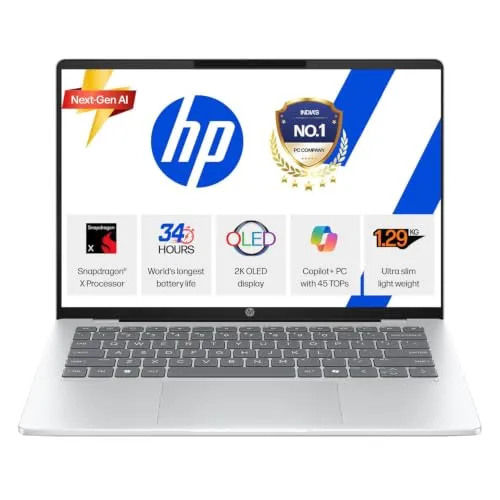
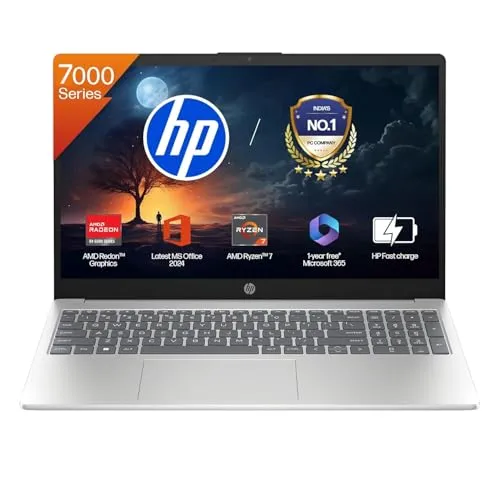
What Specifications Should Students Prioritize?
Instead of focusing only on the processor, prioritize these features:
- Minimum 16 GB RAM
- Fast SSD storage
- Comfortable keyboard
- Lightweight design
- Good battery life
- USB-C charging
- Bright display
- Reliable build quality
A balanced laptop is usually a better investment than one that spends the entire budget on raw performance.
2. Don’t Underestimate a Good Scientific or Graphing Calculator
Many students see calculators as compulsory exam tools.
They’re much more than that.
A quality calculator reduces mistakes, speeds up calculations and helps visualize mathematical problems.
For courses involving calculus, matrices, electronics or statistics, graphing capabilities can sometimes make it easier to understand equations before solving them manually.
That doesn’t mean everyone must buy the most expensive calculator available.
The right choice depends on your university’s examination rules.
Before buying one, verify which calculator models are permitted during exams.
Buying an expensive calculator that isn’t allowed in examinations is money wasted.
3. Digital Note-Taking Can Replace Years of Paper
Engineering generates an enormous amount of notes.
Lecture notes.
Lab records.
Circuit diagrams.
Formula sheets.
Project planning.
PDF annotations.
Traditional notebooks still work, but after several semesters they become difficult to organize.
A digital writing device or tablet designed primarily for note-taking can simplify this.
Instead of carrying multiple notebooks, students can:
- Search handwritten notes
- Organize subjects
- Annotate PDFs
- Read textbooks
- Keep backups
However, there’s an important distinction.
If your goal is focused studying, a dedicated note-taking device can reduce distractions compared to a general-purpose tablet filled with games and social media.
The best device is the one that helps you study—not the one with the most entertainment features.
Recommended Digital Note Taking Pad
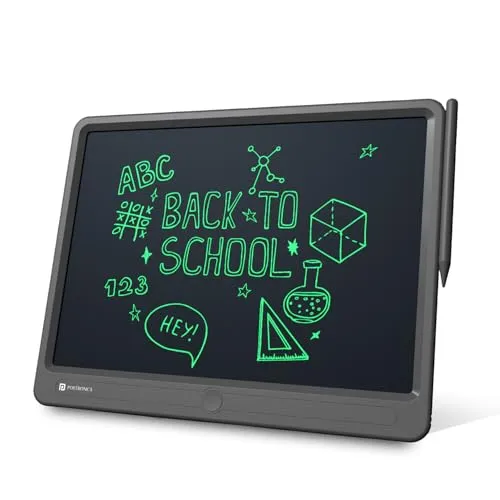
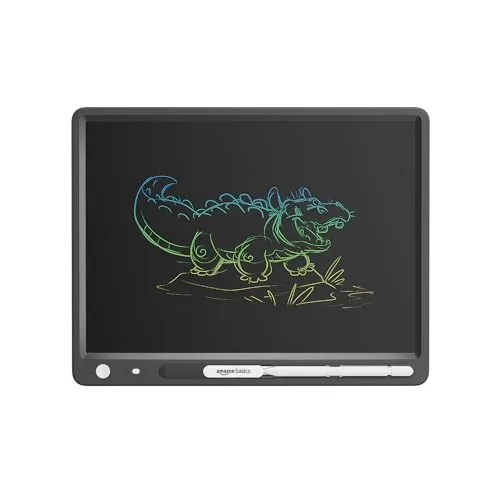
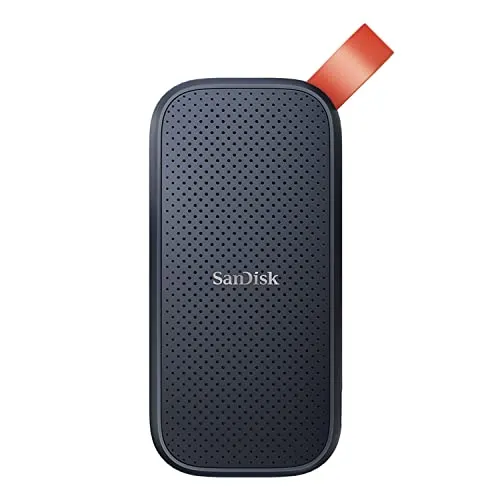
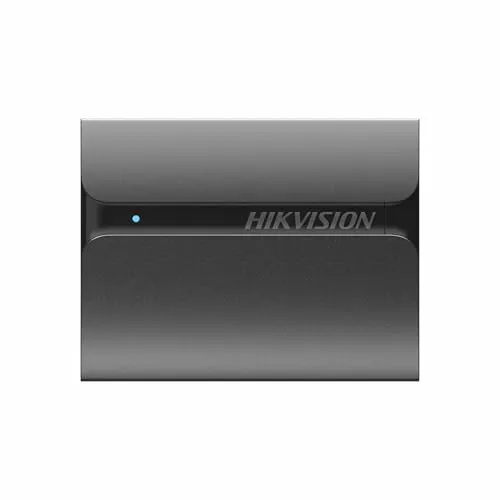
4. An External SSD Is One of the Cheapest Ways to Protect Years of Work
This is probably the most overlooked recommendation.
Engineering students create:
- CAD files
- Programming projects
- MATLAB simulations
- Lab reports
- Presentations
- Research data
- Internship work
- Final-year projects
Losing these files days before submission can become a disaster.
Cloud storage helps, but relying on only one backup isn’t a good strategy.
An external SSD gives you:
- Faster file transfers
- Offline backup
- Extra storage
- Better protection against laptop failure
Develop the habit of backing up important work every week.
The cost of an SSD is tiny compared to the time required to recreate months of work.
Recommended External SSD
5. Noise-Cancelling Earbuds or Headphones Can Improve Focus More Than You Expect
College isn’t always quiet.
Libraries become crowded.
Hostels become noisy.
Classrooms aren’t always ideal for studying.
Many students struggle to concentrate because of constant background noise rather than difficult subjects.
Noise-cancelling headphones don’t make studying easier.
They make distractions smaller.
That difference matters.
Whether you’re coding for hours, preparing for an exam or attending online lectures, reducing interruptions can noticeably improve concentration.
This isn’t about listening to music all day.
Sometimes the best use of noise cancellation is simply creating a quieter environment.
Recommended HeadPhones and Earphones
Three Purchases You Probably Don’t Need Immediately
Students often overspend before the first semester even starts.
These purchases can usually wait.
A Premium Gaming Laptop
Unless your coursework specifically requires powerful graphics, most students won’t fully utilize expensive gaming hardware during the first year.
The additional weight and shorter battery life often become daily inconveniences.
A Flagship Tablet
Many students buy tablets expecting to replace notebooks.
Months later they discover they’re using only basic note-taking features.
If your budget is limited, invest in a better laptop before buying a premium tablet.
Expensive Accessories
Mechanical keyboards.
RGB mice.
Laptop stands.
USB hubs.
Docking stations.
Most of these can be purchased later if your workflow actually requires them.
Spend on essentials first.
The Best Investment Isn’t Always the Most Expensive One
Technology should remove friction from studying.
The best purchase is the one that saves time every day.
A laptop that lasts all day on battery.
A calculator you’re comfortable using.
Organized notes.
Safe file backups.
A quieter study environment.
None of these are flashy purchases.
But together they can make engineering significantly less stressful over four years.
Before Buying Any Gadget, Ask Yourself These Questions
Before spending money, ask:
- Will I use this every week?
- Does it improve productivity or just entertainment?
- Can a cheaper option do the same job?
- Will I still use this in my final year?
- Does this solve a real problem I’m facing?
If the answer to most of these questions is “yes,” it’s probably a worthwhile investment.
If not, your money may be better saved for future semesters when your academic needs become clearer.
Engineering students don’t need the most expensive technology—they need dependable technology that supports years of coursework. A lightweight laptop, a suitable calculator, organized note-taking, reliable backups, and a distraction-free study environment will have a far greater impact on academic success than chasing the latest specifications or trends.
The smartest purchases are usually the ones you continue appreciating long after the excitement of unboxing has faded.
Join the discussions on this article
People are already sharing their experiences and advice.
Ask the Community
Have a question? People are ready to share their real experiences.
Sushant Kumar
Founder
As a current B.Com (Hons) student at DU SOL and an active Chartered Accountancy (CA) aspirant, I understand the exact pressure, syllabus confusion, and administrative hurdles students face daily. TheSushant.in was built to provide first-hand, stress-tested guidance. Every DU SOL update, exam strategy, and CA study note shared here comes directly from my personal academic journey, official notifications, and real-time student experience. No generic advice: practical, student-to-student blueprints to help you clear your exams and level up.

