Most CA Foundation students spend hours making notes, revising chapters, and still struggle to recall concepts under pressure. The problem is not effort—it is how that effort is structured.
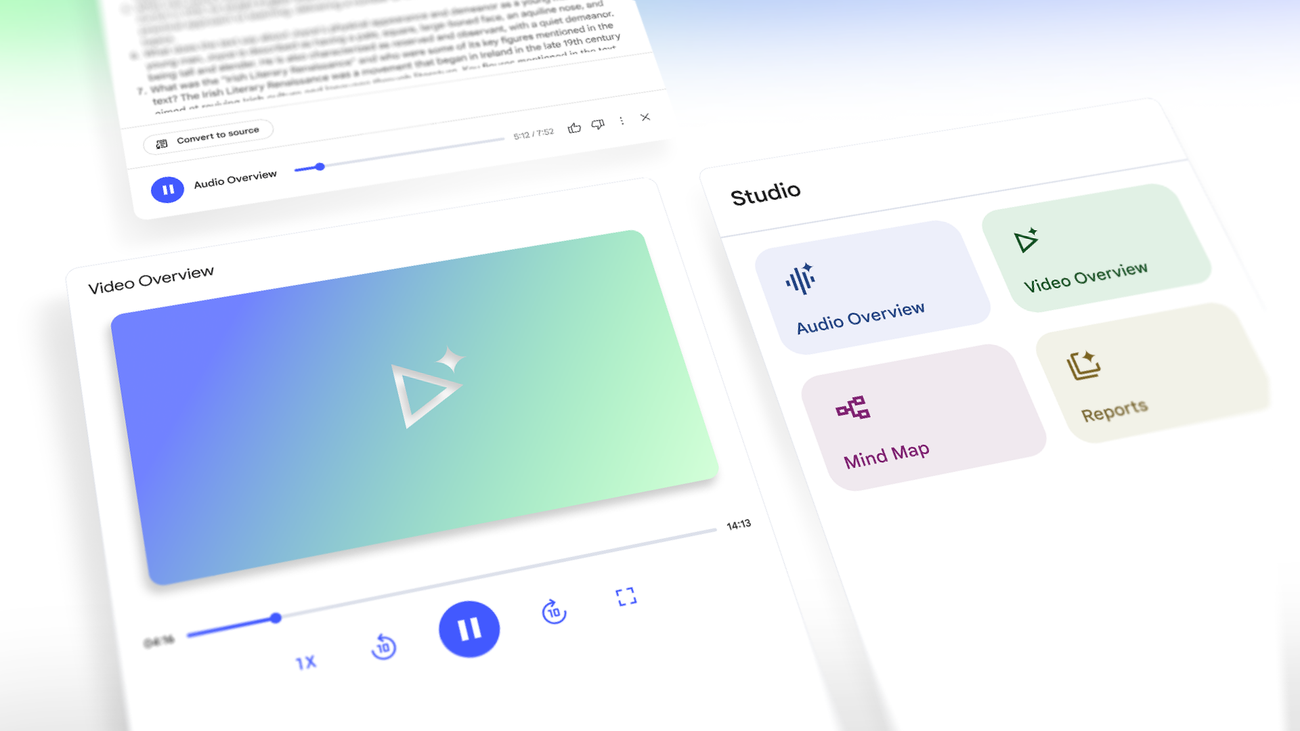
NotebookLM changes how you interact with your study material. Instead of passively reading, you can turn your notes into an active system that answers questions, summarizes concepts, and helps you revise faster.
This guide shows how to use NotebookLM in a practical way for CA preparation.
CA FOUNDATION UPDATES
Don’t Miss Important CA Foundation Updates
Many CA students miss important ICAI notices, amendment updates, exam announcements, and preparation guidance.
- ICAI notice alerts
- Exam & registration updates
- Amendment alerts
- Study resources & PDFs
- Practical preparation guidance
No spam. Only useful information.

What is NotebookLM
NotebookLM is an AI-powered note assistant that works on your own uploaded material. Instead of searching the internet, it answers questions based on the content you provide.
For CA students, this means:
- Your ICAI material becomes searchable
- Your notes become interactive
- Your revision becomes faster and more structured
Step 1: Upload Your Study Material
Start by uploading:
- ICAI modules (PDFs)
- Class notes
- Self-made notes
Keep separate notebooks for each subject:
- Accounts
- Law
- Economics
- Mathematics
This keeps everything organized and avoids confusion later.
Step 2: Turn Chapters into Clear Summaries
After uploading a chapter, ask:
- “Summarize this chapter in simple terms”
- “Give key points for revision”
- “List important concepts”
Use these outputs to create:
- Short revision notes
- Last-day revision sheets
This reduces time spent rewriting notes manually.
Step 3: Use It for Doubt Solving
Instead of switching between Google, YouTube, and books, ask directly:
- “Explain this concept in simple terms”
- “Give an example for this topic”
- “Why is this formula used?”
The advantage is that answers come from your own study material, not random sources.
Step 4: Improve Concept Clarity
For difficult topics, ask:
- “Explain like I am a beginner”
- “Break this into steps”
- “Give a practical example”
This helps especially in:
- Accounting adjustments
- Law provisions
- Economics concepts
Step 5: Create Quick Revision Sheets
Before exams, speed matters more than depth.
Use prompts like:
- “Give 10 most important points from this chapter”
- “Create a quick revision list”
- “List common mistakes students make”
Save these outputs and revise only from them in the final days.
Step 6: Practice Active Recall
Instead of only reading, use NotebookLM to test yourself:
- “Ask me questions from this chapter”
- “Give MCQs based on this topic”
- “Test my understanding”
Active recall improves retention far more than passive reading.
Step 7: Use It Subject-Wise
Accounts
- Break complex problems into steps
- Understand adjustments clearly
Law
- Simplify sections and provisions
- Create short summaries for revision
Economics
- Clarify theory with examples
- Summarize chapters quickly
Mathematics
- Understand logic behind formulas
- Practice conceptual clarity
Best Way to Use NotebookLM
- Use it alongside ICAI material, not instead of it
- Always verify important concepts
- Focus on understanding, not copying answers
- Build your own notes using its outputs
Consistency matters more than tools.
Common Mistakes to Avoid
- Uploading everything in one notebook
- Relying blindly without understanding
- Using it only for summaries
- Not revising the generated notes
NotebookLM is a support tool, not a shortcut.
Practical Study Workflow
- Study chapter from ICAI material
- Upload content to NotebookLM
- Generate summary
- Ask doubts
- Create revision sheet
- Test yourself
Repeat this for every chapter.
Final Thoughts
NotebookLM can significantly improve how you study, but it does not replace discipline. It reduces time, improves clarity, and makes revision efficient—but the effort still comes from you.
Use it consistently, keep your material organized, and focus on understanding concepts deeply.